
In the box
What's in the box.
Three things come in the box: FootyBox, a USB-A to USB-C cable and a setup card. A USB power adapter is not included. Any USB phone charger or power bank will do.
- FootyBoxThe scoreboard, in your case colour.
- USB-A to USB-C cablePlug it into any USB phone charger.
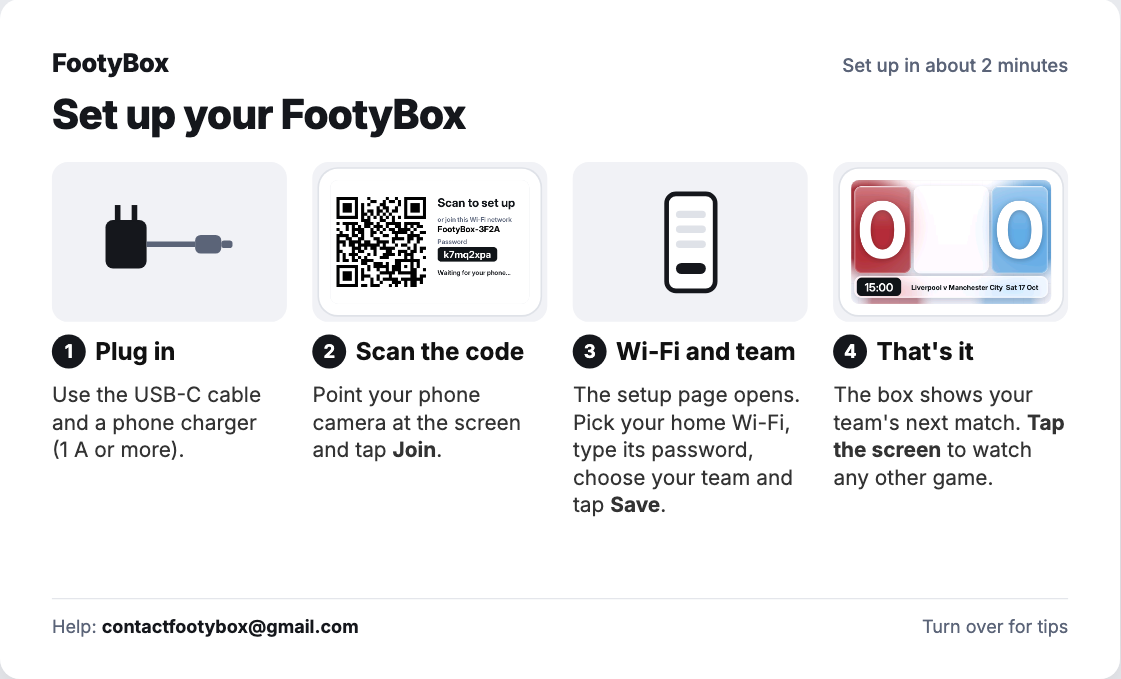
- Setup cardFour steps, with help on the back.
- Not included: USB power adapterUse any USB phone charger or power bank.
You'll also need: a 2.4 GHz Wi-Fi network with internet access, a USB power source (a phone charger works; the box uses 2.5 W at most), and a phone for the two-minute setup. There's no app to install.
Setup
Plugged in to live scores in about two minutes.
 Step 1Plug it inUse the cable in the box and any USB phone charger.
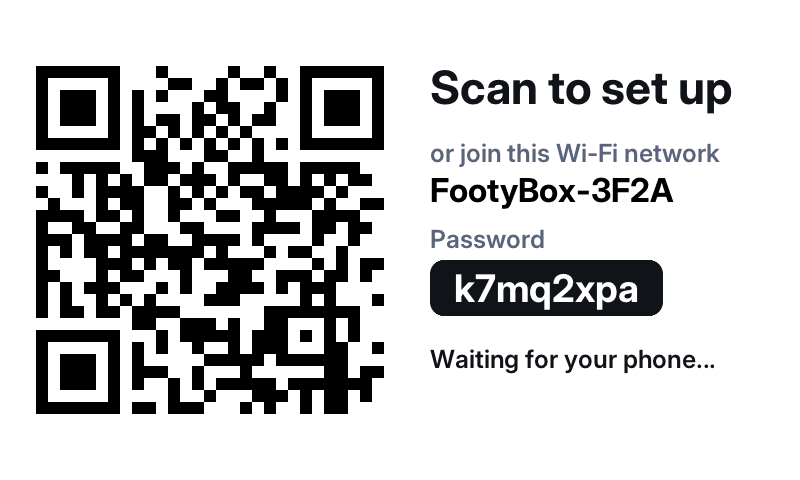 Step 2Scan the screenThe box shows a QR code. Scan it and the setup page opens on your phone.
 Step 3Pick your Wi-Fi and your clubIt finds the next match and takes it from there.
The cable picture is an illustration. The setup card is the current design and may change before the first boxes ship. Screens are generated by the box's own display code.